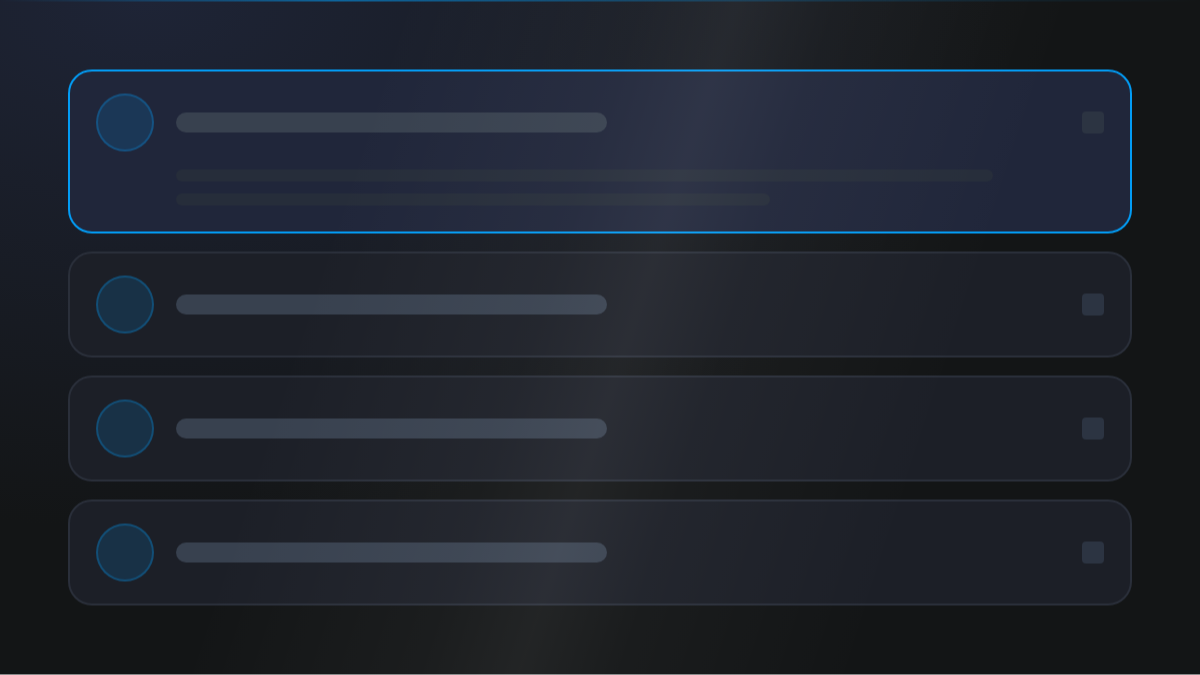
Accordion
Organise expandable content sections to present FAQs, details, and supporting information in a compact layout.
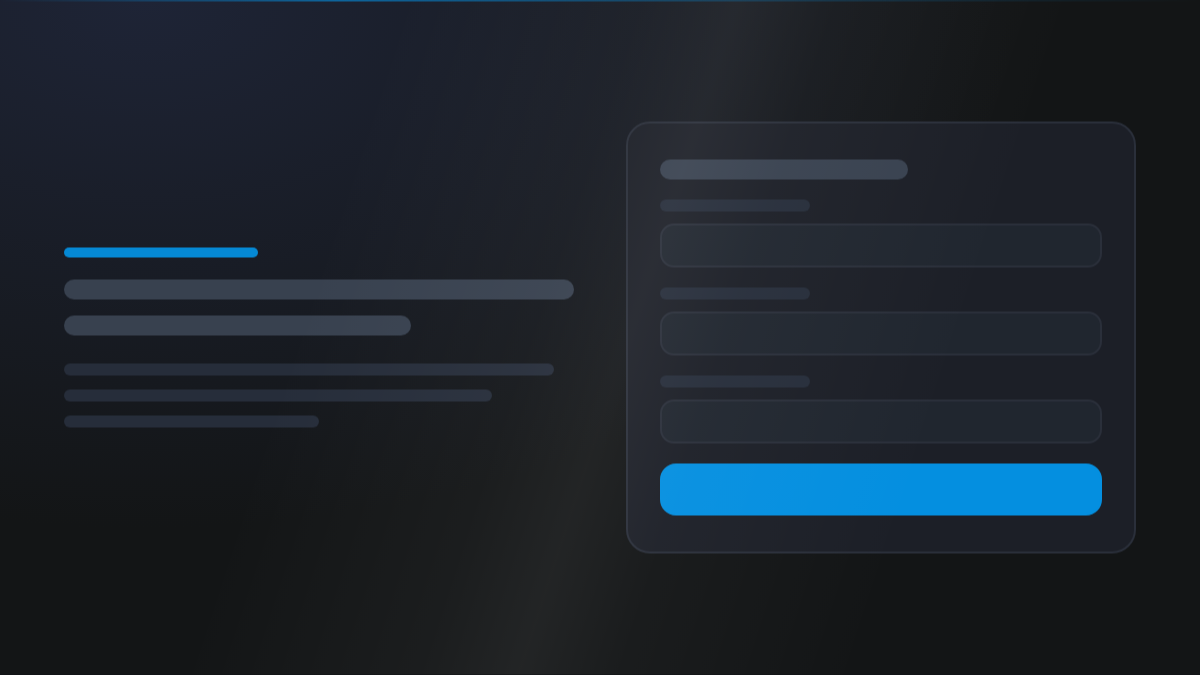
Banner with Form
Combine a prominent banner section with a HubSpot form to capture attention and generate leads.
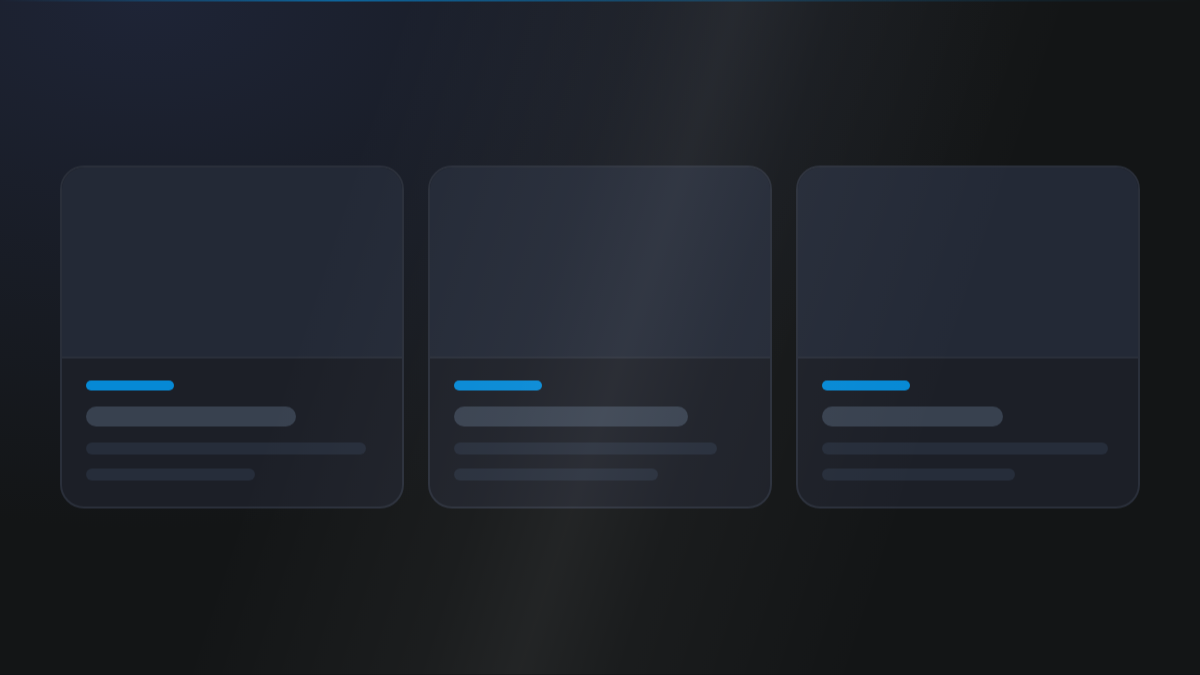
Blog Listing
Display blog posts in a structured listing layout to help visitors discover and explore your content.
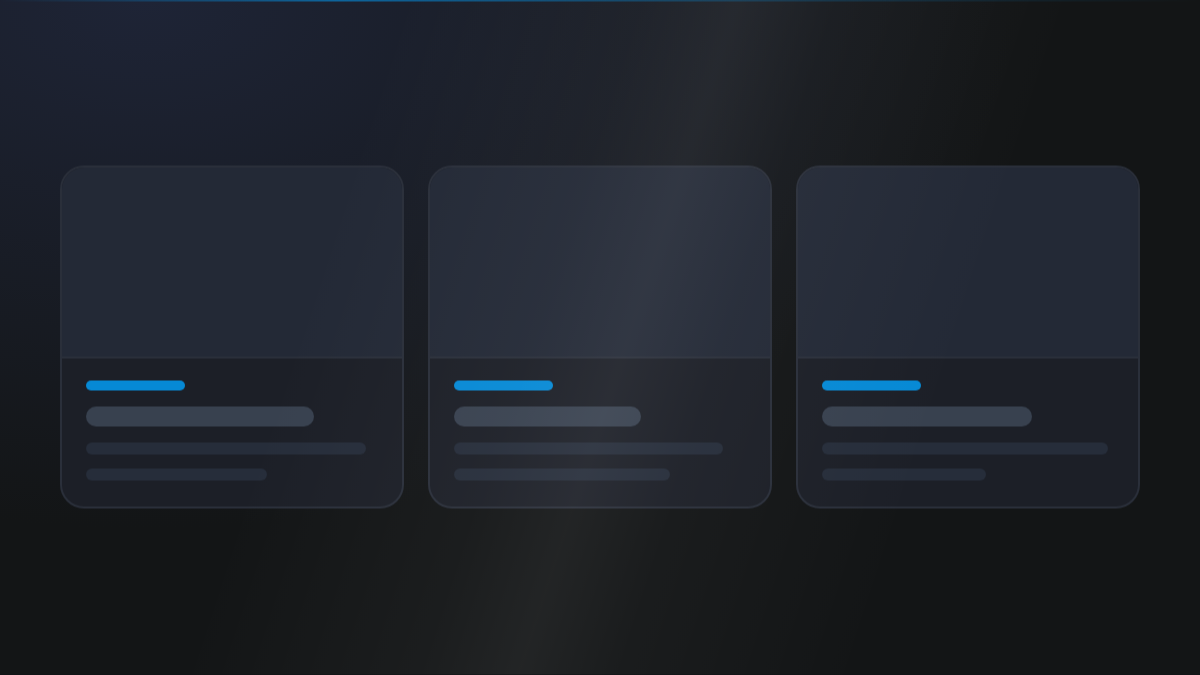
Blog Section
Highlight selected blog posts within a page using a flexible content section designed for engagement.

Call to Action
Create focused calls to action that guide visitors toward an important next step or conversion.
Content and Media
Combine text and visual content in a flexible layout for communicating products, services, and key information.
Content Card
Present related content, features, or information in individual cards for easy browsing.

Content
Build flexible content sections for presenting headings, text, links, and supporting website content.

Counter
Highlight important numbers, statistics, or achievements with an engaging counter-based layout.
Features
Showcase key features, benefits, or capabilities in a structured layout that makes information easy to scan.
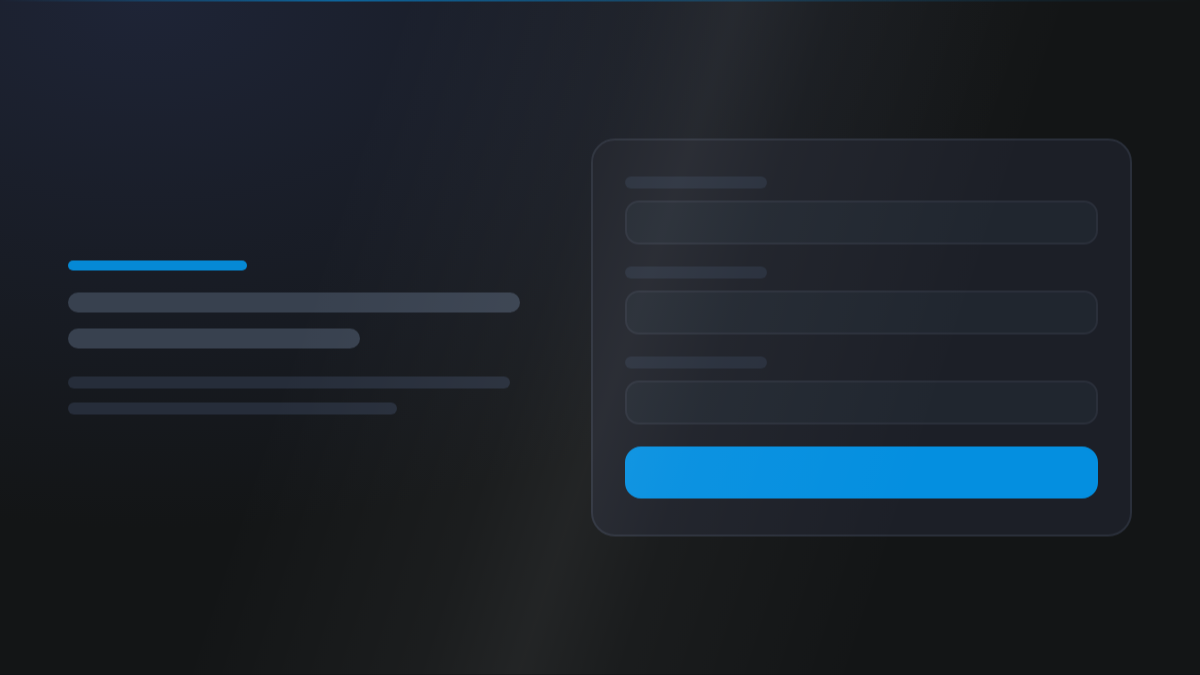

Image Box
Combine imagery with supporting text and links to create visually engaging content blocks.
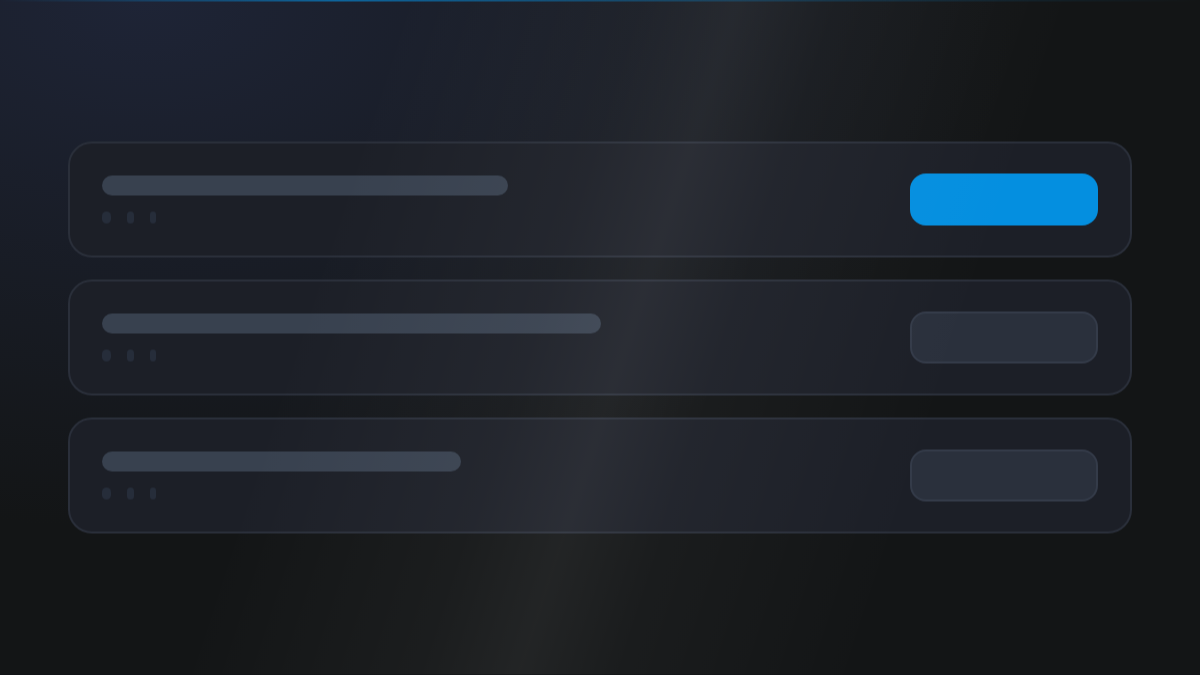
Job Listing
Present available job opportunities in a structured layout to help visitors explore open positions.
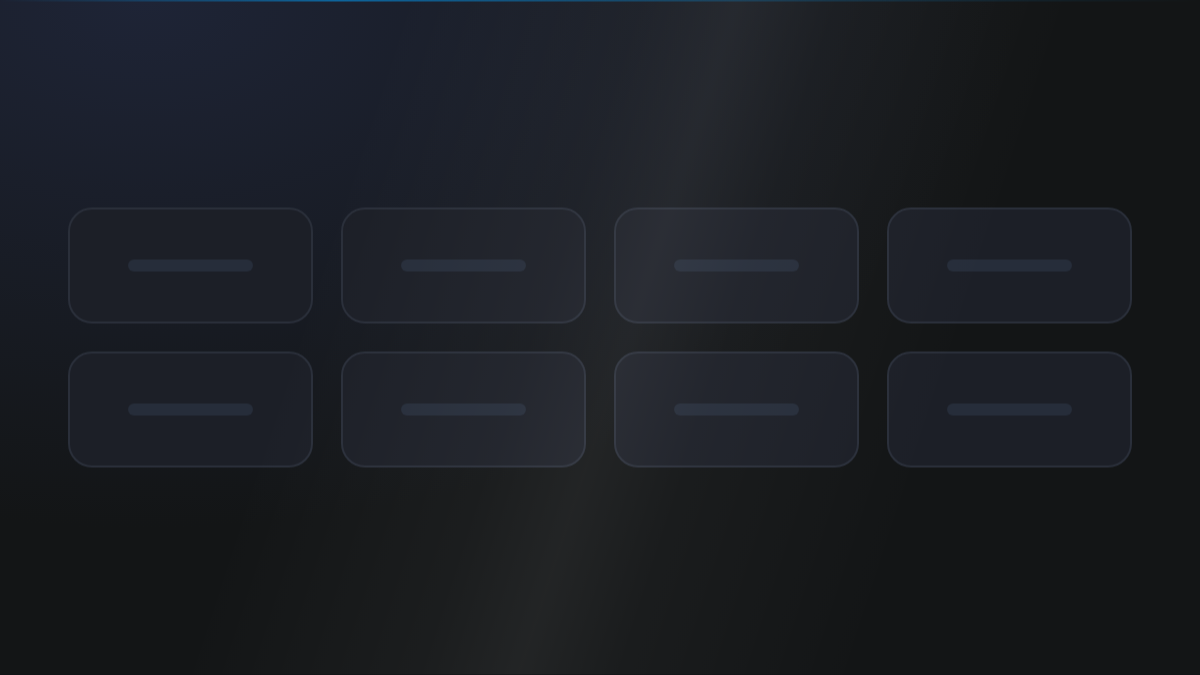
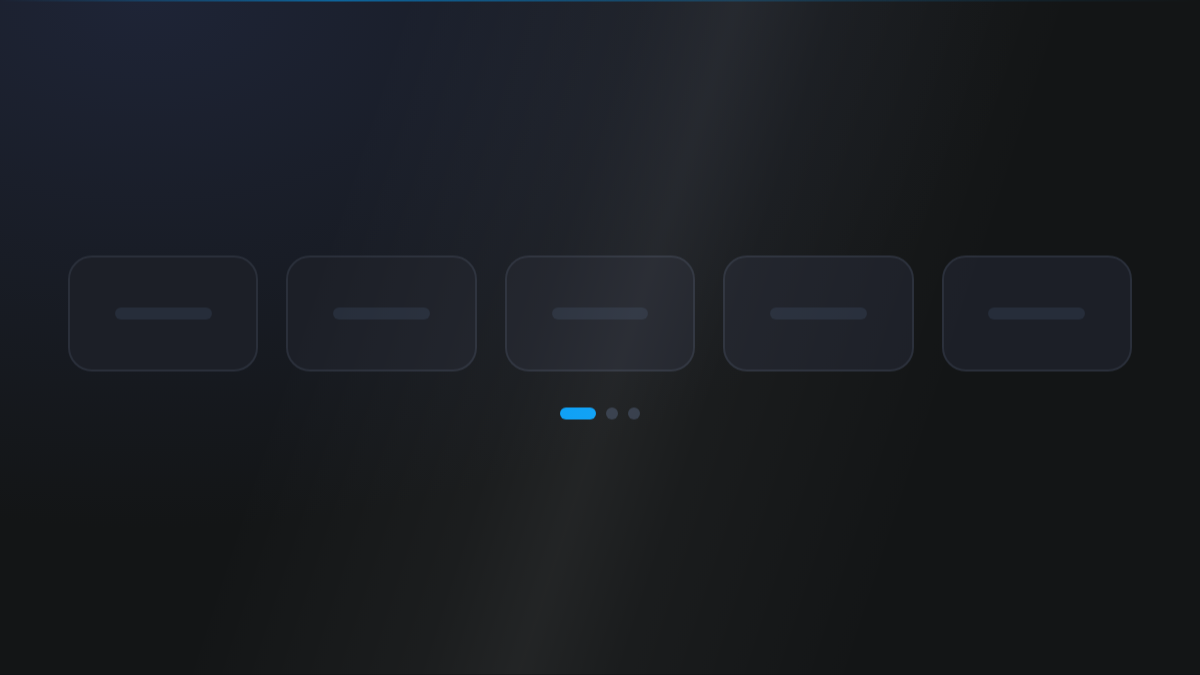
Logo Slider
Showcase multiple logos in a horizontal slider when you want to display more brands in limited space.

Multi Column Banner (Simple)
Create a multi-column banner layout for presenting multiple content areas or key messages side by side.
Multi Column Banner (Slider)
Combine a multi-column banner layout with a slider to showcase multiple sets of content or messages.
Pricing
Present pricing plans and package options in a clear comparison layout to help visitors evaluate offerings.

Quote
Highlight customer or stakeholder quotes in a focused section that adds credibility to your website.

Section Title
Introduce website sections with a consistent heading and supporting content structure.

Single Column Banner (Simple)
Create a focused single-column banner for presenting a key message, heading, or page introduction.

Single Column Banner (Slider)
Present multiple single-column banner slides to highlight different messages, content, or campaigns.

Tab
Organize related content into tabs so visitors can explore multiple information sections without leaving the page.
Team
Introduce team members with profiles that showcase their names, roles, images, and supporting information.

Testimonial (Grid)
Showcase multiple customer testimonials in a structured grid to build trust and social proof.

Testimonial (Slider)
Present customer testimonials in a slider that allows visitors to browse multiple reviews or experiences.

Timeline
Present events, milestones, processes, or company history in a chronological timeline layout.

Video Embed
Embed video content directly into your pages to communicate information through engaging visual media.