If you're planning to build a website with HubSpot, one of the first questions you may ask is:
How much does a HubSpot theme cost?
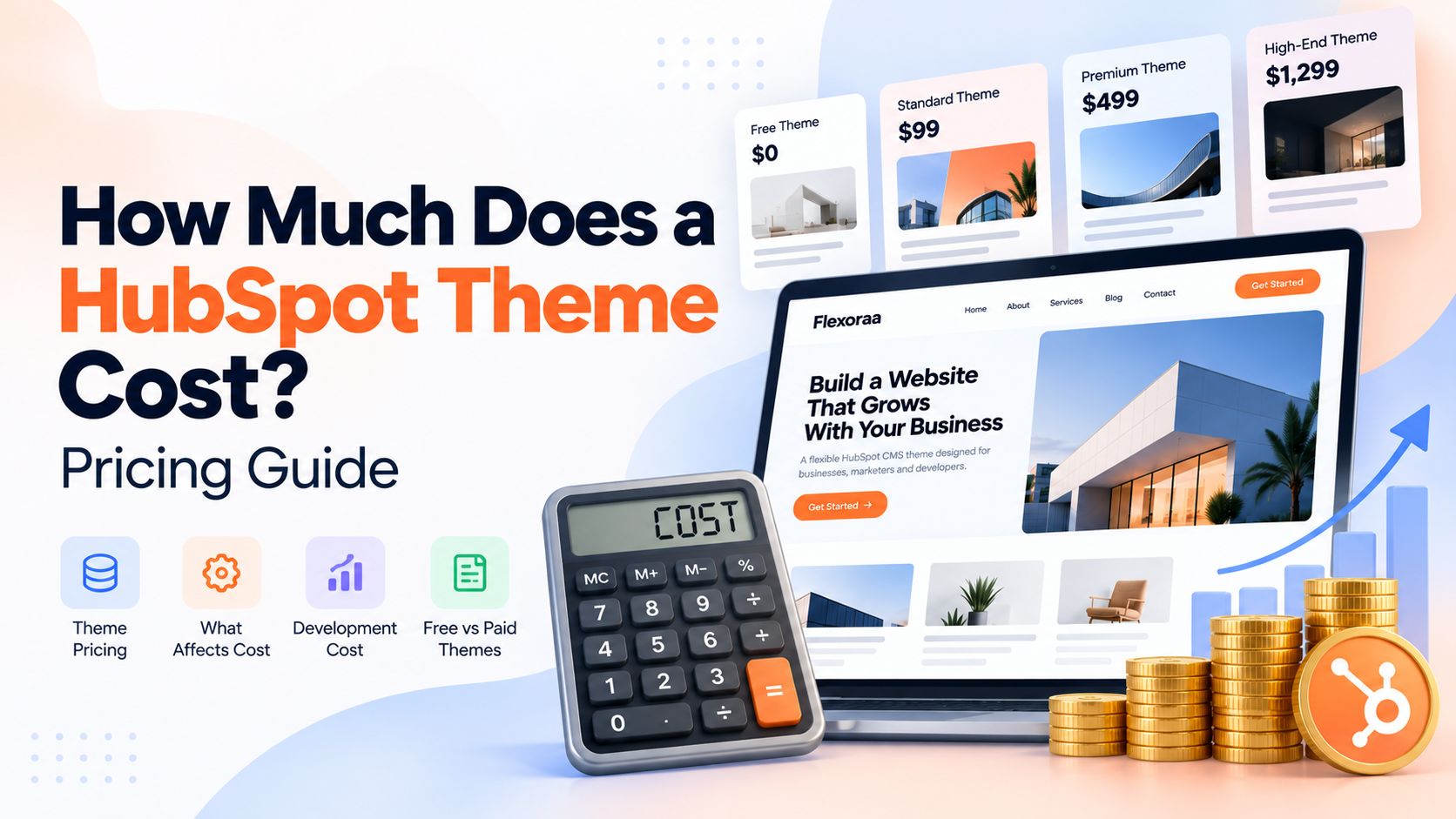
The short answer is: HubSpot themes can cost anywhere from $0 to several thousand dollars, depending on the theme, its features, the provider, and the level of support included.
But the price of the theme itself is only one part of your website budget.
A $199 theme doesn't necessarily mean you'll spend only $199 building your website. You may also need to consider customization, content, development, integrations, migration, and ongoing maintenance.
At the same time, paying more for a theme doesn't automatically mean you'll get a better website.
The real question is:
What are you getting for the price, and how much development work will you still need after buying the theme?
This guide explains HubSpot theme pricing, what affects the cost, what you should budget for additional development, and how to decide whether a free or paid theme makes sense for your website.
Quick Answer: How Much Does a HubSpot Theme Cost?
HubSpot themes generally fall into several broad pricing levels:
| Theme type |
Typical price |
| Free HubSpot theme |
$0 |
| Low-cost paid theme |
$10–$100 |
| Mid-range paid theme |
$100–$500 |
| Premium theme |
$500–$1,000+ |
| High-end premium theme |
$1,000–$2,500+ |
| Custom theme development |
Often several thousand dollars and up |
These are useful market ranges rather than fixed HubSpot pricing tiers. The HubSpot Marketplace currently includes both free and paid themes across a wide range of prices.
Your actual website cost can be much higher or lower depending on how much work is required after purchasing the theme.
Are HubSpot Themes Free?
Yes.
HubSpot provides access to free themes, and the HubSpot Marketplace includes a large collection of free website themes.
A free theme can be a perfectly reasonable choice for:
- A small business website
- A personal website
- A simple company website
- A startup validating an idea
- A basic marketing website
- A project with a limited budget
But free doesn't necessarily mean limited, and paid doesn't automatically mean better.
Some free themes can include many templates, modules, responsive layouts, documentation, and customization options.
The important thing is to evaluate what the theme actually provides.
How Much Do Paid HubSpot Themes Cost?
Paid HubSpot themes have a very wide price range.
Current Marketplace listings show paid themes at prices such as $7, $75, $97, $197, $597, $997, and above $2,000.
This tells you something important:
There isn't one "standard" price for a premium HubSpot theme.
A theme's price can depend on:
- Number of templates
- Number of modules
- Design quality
- Theme settings
- Customization capabilities
- Documentation
- Support
- Updates
- Developer experience
- Target audience
- Industry specialization
- Included functionality
- Provider reputation
A $75 theme and a $997 theme can therefore have very different value propositions.
What Determines the Price of a HubSpot Theme?
The number displayed next to a theme doesn't tell you everything.
When comparing themes, look at what you're actually receiving.
1. Number of Templates
A theme may include templates for:
- Homepage
- About page
- Contact page
- Services
- Pricing
- Landing pages
- Blog listing
- Blog post
- Search results
- Error pages
- Thank-you pages
- Other system pages
More templates can reduce the amount of work required to create a complete website.
2. Number and Quality of Modules
Modules are one of the most important parts of a HubSpot theme.
A theme might include:
- Hero sections
- Cards
- Testimonials
- Pricing tables
- Team sections
- Forms
- Galleries
- FAQs
- Sliders
- CTAs
- Navigation
- Footers
- Blog components
But don't evaluate a theme based only on module count.
50 poorly designed modules aren't necessarily more valuable than 25 well-designed modules.
Look at how flexible each module is.
3. Theme Settings
Theme settings can make a major difference to the editing experience.
Depending on the theme, settings may allow you to control:
- Typography
- Colors
- Buttons
- Spacing
- Forms
- Headers
- Footers
- Global styles
- Responsive behavior
- Other visual settings
HubSpot's theme system allows themes to provide configurable style settings and reusable website components.
A theme with strong settings can reduce the amount of custom development required after purchase.
4. Documentation
A theme may look impressive in a Marketplace preview but still be difficult to use.
Good documentation can explain:
- How to install the theme
- How to configure theme settings
- How modules work
- How templates work
- How to create pages
- How to customize layouts
- How to troubleshoot common issues
Documentation becomes particularly valuable when a marketing team is expected to manage the website without constant developer assistance.
5. Support
Support can also affect the value of a paid theme.
HubSpot's Marketplace provides mechanisms for theme providers to offer support, and users can access provider support and getting-started resources from their Marketplace downloads.
Before purchasing, check:
- Is support included?
- How do you contact the provider?
- Is support limited to installation?
- Does support cover bugs?
- Are customization requests included?
- How long does support normally take?
Don't assume that paying for a theme automatically includes unlimited development work.
Free vs Paid HubSpot Theme Cost
Here's a simple way to think about it.
| Factor |
Free theme |
Paid theme |
| Theme purchase |
$0 |
$10–$2,500+ |
| Templates |
Varies |
Usually varies |
| Modules |
Varies |
Usually varies |
| Customization |
Varies |
Usually varies |
| Documentation |
Varies |
Often available |
| Support |
Varies |
Often available |
| Updates |
Provider-dependent |
Provider-dependent |
| Development required |
Varies |
Varies |
The biggest mistake is assuming:
Free = cheap
and
Paid = expensive
The actual equation is more complicated.
The Real Cost: Theme + Development
Suppose you purchase a theme for $99.
That doesn't mean your website will cost $99.
You may still need:
- Design customization
- Content migration
- Custom modules
- Landing pages
- Integrations
- Forms
- CRM configuration
- Developer support
For example:
$99 theme + $2,000 customization = $2,099
Now consider a $500 theme that requires only $500 of customization:
$500 theme + $500 customization = $1,000
The more expensive theme could actually result in the cheaper project.
This is why theme price should never be evaluated in isolation.
Theme Cost vs Custom Development Cost
This is where the difference can become significant.
A theme gives you a starting point.
Custom development starts much closer to a blank canvas.
For U.S. businesses, professional web development costs can vary substantially depending on the agency, location, complexity, and project scope. Current Clutch data shows U.S. web-development companies commonly listed around $100–$149 per hour, while individual agencies and HubSpot specialists can charge considerably more.
That means even a relatively small amount of additional development can quickly exceed the purchase price of a theme.
For example, at $100–$149 per hour:
| Development time |
Approximate cost |
| 5 hours |
$500–$745 |
| 10 hours |
$1,000–$1,490 |
| 20 hours |
$2,000–$2,980 |
| 40 hours |
$4,000–$5,960 |
| 80 hours |
$8,000–$11,920 |
These are illustrative calculations using the U.S. hourly range above, not quotes for a specific HubSpot project. Actual rates vary by provider and scope.
This is why a theme that costs a few hundred dollars can potentially save thousands of dollars in development work.
What Is Included With a Paid HubSpot Theme?
Before purchasing, check exactly what you're receiving.
A good paid theme may include:
Website templates
Ready-to-use layouts for common website pages.
Custom modules
Reusable components that can be added through the HubSpot editor.
Theme settings
Global controls for colors, typography, spacing, and other design elements.
Responsive controls
Options for adapting layouts across different screen sizes.
Reusable sections
Pre-built sections that can be reused across pages.
Documentation
Instructions for installation and customization.
Support
Assistance from the theme provider.
Updates
Bug fixes, improvements, compatibility changes, or new functionality, depending on the provider's update policy.
HubSpot allows users to install purchased Marketplace themes and install updates when updates are available.
What Additional Costs Should You Consider?
The theme price is only one line in the website budget.
You may also need to budget for:
Website customization
You may want a developer to modify modules, templates, layouts, or functionality.
Content creation
Someone still needs to create:
- Website copy
- Images
- Videos
- Case studies
- Blog content
- Product information
Migration
If you're moving an existing website to HubSpot, content migration can add significant cost.
Custom functionality
You may need custom modules, integrations, APIs, or other functionality.
Design work
A theme may provide the foundation, but you may still want custom UI/UX work.
SEO
Technical SEO, redirects, content optimization, structured data, and other SEO work may require additional effort.
Ongoing maintenance
Websites need updates, troubleshooting, improvements, and new functionality over time.
How Much Should You Budget for a HubSpot Website?
There is no universal number because the scope can vary dramatically.
A simple website using a theme and mostly self-managed content can require a relatively small implementation budget.
A more customized website with professional design, migration, integrations, and development can cost several thousand dollars or considerably more.
For context, current U.S. web development pricing research shows that website projects can range from a few thousand dollars to tens of thousands of dollars or more, depending on scope and complexity.
A useful way to budget is to divide the project into four categories:
| Cost category |
What it includes |
| Theme |
Theme purchase |
| Implementation |
Setup, customization, page creation |
| Content |
Copy, images, migration |
| Development |
Custom modules, integrations, functionality |
For example, a project might look like:
Theme: $199
Implementation: $1,000
Custom development: $1,500
Content/migration: $500
Estimated project investment: $3,199
The exact numbers will vary by project. The important point is to budget for the whole website, not just the theme.
Can a More Expensive Theme Actually Cost Less?
Yes.
Consider two options.
Option A
Theme: $79
But the theme doesn't include the templates and modules you need.
You spend another:
$3,000 on development
Total:
$3,079
Option B
Theme: $499
The theme already includes most of what you need.
You spend:
$500 on customization
Total:
$999
Option B costs more upfront but significantly less overall.
This is why comparing theme prices without comparing functionality can lead to poor decisions.
How Much Does a Custom HubSpot Theme Cost?
A completely custom HubSpot theme doesn't have a fixed Marketplace price.
You are paying for design and development work.
The cost can depend on:
- Number of templates
- Number of modules
- Design complexity
- UX requirements
- Responsive behavior
- Theme settings
- Integrations
- Content migration
- Testing
- Documentation
- Project management
- Ongoing maintenance
For U.S. businesses, professional web-development rates can range from roughly $100 per hour to $150+ per hour, with specialized HubSpot agencies sometimes charging significantly more.
A custom theme can therefore easily cost several thousand dollars before additional website implementation work begins.
For larger projects, the total website investment can reach tens of thousands of dollars or more.
When Does Paying for a HubSpot Theme Make Sense?
A paid theme can make sense when:
- You want to launch quickly.
- You need more flexibility than a basic free theme provides.
- You want professionally designed templates.
- You need a larger module library.
- You want extensive theme settings.
- Your marketing team needs to edit pages independently.
- You want documentation and provider support.
- You want to reduce custom development work.
The goal isn't to find the cheapest theme.
The goal is to find the theme that reduces the amount of work you need to pay for later.
When Is a Free HubSpot Theme Enough?
A free theme may be the right choice when:
- Your website requirements are simple.
- You have a limited budget.
- You're comfortable working within the available design system.
- You don't need many specialized modules.
- You have developers who can make additional changes.
- You're testing a new business idea.
- You don't need extensive provider support.
Free themes should not automatically be dismissed.
Evaluate them against your actual requirements.
Questions to Ask Before Buying a HubSpot Theme
Before spending $100, $500, $1,000, or more, ask:
1. How many templates are included?
Don't just count them. Check whether they cover the pages you actually need.
2. How many modules are included?
Look at module quality and flexibility rather than the number alone.
3. How much can I customize?
Check colors, typography, spacing, layouts, responsive controls, and module options.
4. Is documentation included?
A good setup guide can save significant time.
5. Is support included?
Understand exactly what the provider considers support.
6. Are updates included?
Check how updates are delivered and what they cover.
7. Will I need a developer?
If yes, estimate that development cost before comparing theme prices.
8. Can the theme grow with my website?
A theme should support your future requirements, not just your launch.
9. Does the theme work with my HubSpot subscription?
Check the Marketplace listing's requirements before purchasing. HubSpot's Marketplace identifies the subscription requirements for themes and modules.
10. What is the total project cost?
Don't stop at:
"The theme costs $199."
Ask:
"How much will it cost to get my website live?"
Where Does Flexoraa Fit?
Flexoraa is positioned as a premium HubSpot CMS theme designed to provide a substantial website foundation without requiring businesses to build every component from scratch.
Flexoraa includes:
- 42 HubSpot CMS modules
- 15 website page templates
- 7 system templates
- 31 reusable sections
- 4 blog post layouts
- Multiple header and footer layouts
- Responsive controls
- Extensive theme settings
- Flexible content modules
Flexoraa price: $199
Flexoraa is currently available for:
$199 one-time per HubSpot portal
There is no recurring theme subscription for the purchase itself.
The purpose of the $199 price is not simply to sell a collection of templates.
The goal is to provide a substantial starting point for a HubSpot website so businesses can spend less time building common website components from scratch.
You may still need customization, content, migration, or custom development depending on your project.
That's true of almost any theme.
See the templates, modules, sections, and theme capabilities included with Flexoraa.
Frequently Asked Questions
Are HubSpot themes free?
Some are. HubSpot provides access to free themes, and the Marketplace includes both free and paid themes.
How much is a premium HubSpot theme?
Premium HubSpot themes can range from under $100 to more than $2,000. Current Marketplace listings show a wide range of paid theme prices.
Is $199 expensive for a HubSpot theme?
Not necessarily. The value depends on what the theme includes. A $199 theme that saves significant development time can be less expensive overall than a cheaper theme requiring extensive customization.
Is buying a HubSpot theme cheaper than custom development?
Often, yes, when the theme already provides most of the templates and modules you need. Custom development can add thousands of dollars to a project depending on scope and development rates.
How much does a custom HubSpot website cost?
There is no fixed price. U.S. website development can range from several thousand dollars to tens of thousands of dollars or more depending on the project's complexity, functionality, design, and development team.
Does the HubSpot theme price include HubSpot itself?
No. The purchase price of a Marketplace theme is separate from your HubSpot software subscription and any additional implementation or development services.
Do HubSpot themes include support?
It depends on the provider. Check the individual Marketplace listing before purchasing. HubSpot provides access to provider support options for Marketplace themes and modules.
Do HubSpot themes receive updates?
Some do. HubSpot's Marketplace allows users to install available updates for downloaded themes and modules. The frequency and scope of updates depend on the provider.
Can I customize a paid HubSpot theme?
Yes. The amount of customization depends on how the theme was built and what settings, modules, templates, and development options it provides.
Do I need a developer after buying a HubSpot theme?
Not always. A flexible theme can allow marketers to manage much of the website themselves. You may still want a developer for custom modules, integrations, advanced customization, or technical changes.
Conclusion
The cost of a HubSpot theme can range from $0 to several thousand dollars.
But the theme price is only the beginning.
The better calculation is:
Theme cost + implementation + customization + content + development + maintenance = total website investment
A free theme can be the right choice for a simple project.
A paid theme can make sense when it provides the templates, modules, settings, documentation, and support you need.
And a custom-built solution may be the better choice when your requirements go far beyond what an existing theme can provide.
The best theme isn't necessarily the cheapest one.
It is the one that gives you the right foundation, flexibility, and long-term value for your website without paying for unnecessary complexity.
Before you compare prices, compare what each theme allows you to build.