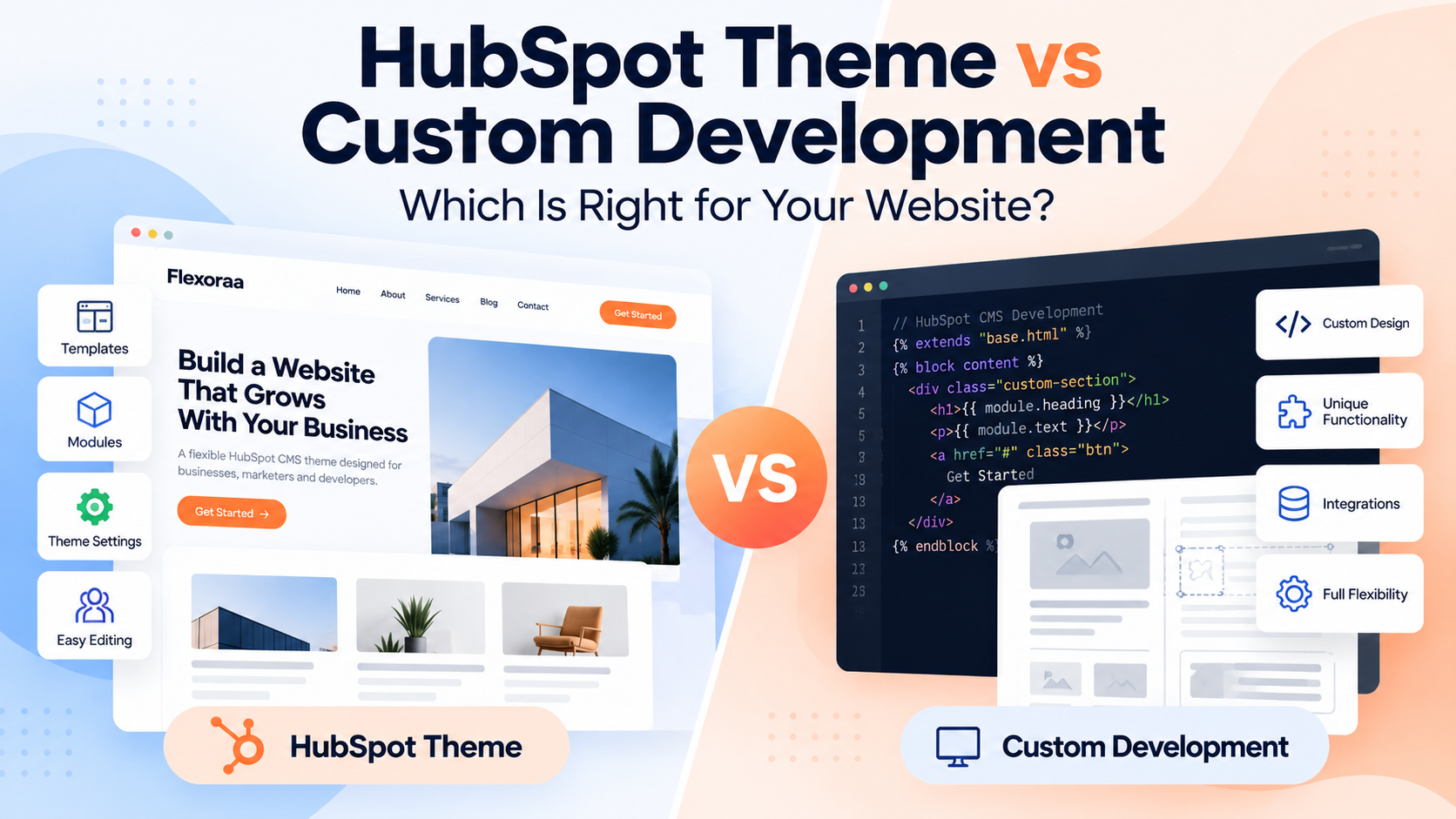
When building a website on HubSpot, one of the biggest decisions is whether to start with a HubSpot theme or build the website through custom development.
Both approaches can produce a professional, high-performing website. The better choice depends on your budget, timeline, design requirements, internal team, and how much control you need over the website's underlying structure.
A HubSpot theme gives you a professionally structured starting point with templates, modules, global content, and theme settings. Custom development gives you more control over the architecture and functionality because the website is built specifically around your requirements.
The important question isn't simply:
"Which approach is better?"
It is:
"Which approach makes more sense for the website I'm trying to build?"
Let's compare both approaches.
Quick Answer: HubSpot Theme or Custom Development?
For many businesses, a HubSpot theme is the faster and more cost-effective starting point when the website requirements fit within an existing theme's capabilities.
A theme can provide templates, reusable modules, global styling, and theme settings that help a marketing team build and manage pages without starting everything from scratch.
Custom development makes more sense when the website has highly specific design, functionality, integrations, or architectural requirements that an existing theme cannot reasonably support.
There is also a third option that is often overlooked:
Start with a theme and add custom development where necessary.
You don't always have to choose between a completely pre-built website and a completely custom website.
What Is a HubSpot Theme?
A HubSpot theme is a collection of website assets designed to provide a consistent foundation for building a website.
A theme can include:
- Website templates
- Blog templates
- Custom modules
- Global content
- Theme settings
- Typography controls
- Color settings
- Spacing controls
- Reusable sections
- Other design and layout options
HubSpot describes themes as a set of templates, modules, global content, and style settings that can be used to create a website.
Instead of creating every website component from zero, you start with an existing system and customize it for your business.
This can significantly reduce the amount of initial design and development work required.
What Is Custom HubSpot Development?
Custom development means creating website templates, modules, functionality, integrations, and other components specifically for a project.
Instead of adapting an existing theme, developers can build the website architecture around the project's requirements.
Custom development may involve:
- Custom coded templates
- Custom modules
- Custom layouts
- Custom functionality
- API integrations
- CRM integrations
- Dynamic content
- Serverless functionality
- Advanced interactions
- Custom JavaScript
- Specialized website experiences
This approach gives developers more control, but it also means more of the website needs to be designed, developed, tested, and maintained specifically for that project.
HubSpot Theme vs Custom Development: The Real Difference
The biggest difference is where you start.
With a theme:
Professional foundation → Customize → Extend where necessary
With fully custom development:
Requirements → Design → Architecture → Development → Testing → Launch
Neither process is automatically better.
The right choice depends on how closely your website requirements match what an existing theme can provide.
1. Cost
Cost is one of the first things businesses consider.
A theme can reduce the amount of design and development work required because many common website components already exist.
You may already have:
- Header layouts
- Footer layouts
- Page templates
- Blog templates
- Navigation
- Content sections
- Modules
- Buttons
- Forms
- Global styling
- Responsive layouts
With custom development, these components may need to be designed and developed specifically for the project.
However, the theme's purchase price isn't the entire cost of a website.
You should consider:
Theme approach
Theme cost + customization + additional development
Custom approach
Design + development + testing + maintenance
The cheapest starting point isn't always the cheapest overall solution.
2. Time to Launch
A theme can significantly shorten the time required to launch a website because the underlying structure already exists.
HubSpot's own workflow allows users to select a theme, choose templates, edit content in the content editor, and publish pages.
With custom development, the team needs to create and test the required components before the website can be assembled.
A theme may be better when:
- You need to launch quickly.
- Your website follows familiar business structures.
- You need standard marketing pages.
- Your team wants to start creating content immediately.
Custom development may be better when:
- The website has unusual requirements.
- The design is highly specialized.
- The project depends on custom functionality.
- The website architecture itself is a major differentiator.
3. Design Flexibility
Custom development provides maximum control over the design because the website is created specifically for the project.
However, modern HubSpot themes can also provide substantial design flexibility.
Theme settings can control things such as fonts, colors, buttons, links, spacing, and other styles depending on the fields provided by the theme developer.
The important question is therefore not:
"Can I customize this theme?"
Instead ask:
"Can I customize this theme enough to achieve the design I need?"
If the answer is yes, a theme may provide a much more efficient starting point.
4. Customization
A good theme shouldn't force every website to look identical.
The best themes provide a combination of:
- Reusable modules
- Flexible layouts
- Theme settings
- Typography controls
- Color controls
- Spacing controls
- Responsive controls
- Different templates
- Reusable sections
This allows the marketing team to create different pages while maintaining a consistent design system.
Custom development provides even greater control, but that control comes with additional development responsibility.
5. Marketing Team Experience
This is one of the biggest advantages of a well-designed HubSpot theme.
A marketing team shouldn't need a developer every time it wants to:
- Create a landing page
- Change a section
- Add a CTA
- Rearrange content
- Update colors
- Change typography
- Create a new campaign page
- Publish a new page
HubSpot themes are designed to work with the content editor, where users can customize page content and layouts.
A good theme therefore acts as a bridge between developer control and marketer independence.
Custom development can provide the same experience, but the developer needs to intentionally build that flexibility into the system.
6. Developer Flexibility
Custom development has a clear advantage when the project requires functionality that isn't available through the selected theme.
Developers can create custom templates, modules, and functionality specifically for the project.
However, using a theme doesn't necessarily mean developers cannot extend the website.
HubSpot supports child themes, allowing developers to modify or expand a parent theme while keeping the original theme separate.
This creates an important middle ground:
Theme foundation + custom development
For many projects, this can provide a strong balance between speed and flexibility.
7. Performance and SEO
Neither a theme nor custom development automatically guarantees better SEO or performance.
A poorly built theme can contain unnecessary assets, excessive scripts, or inefficient structures.
A poorly built custom website can have exactly the same problems.
What matters is how the website is designed and developed.
When evaluating a theme, consider:
- HTML structure
- CSS architecture
- JavaScript usage
- Image handling
- Responsive behavior
- Page weight
- Heading structure
- Metadata controls
- Accessibility
- Mobile experience
With custom development, these decisions can be controlled directly by the development team.
With a theme, you should evaluate the quality of the theme before committing to it.
8. Maintenance and Updates
This is an area where businesses often underestimate the long-term cost.
A website isn't finished when it launches.
You may eventually need to:
- Fix bugs
- Improve performance
- Add functionality
- Update components
- Adapt to HubSpot changes
- Improve accessibility
- Update integrations
- Add new page types
A well-maintained theme can reduce the amount of work required for common website functionality.
HubSpot also provides mechanisms for updating Marketplace themes when updates are available.
With custom development, the responsibility for maintaining the website generally falls more heavily on the development team.
That doesn't make custom development bad.
It simply means maintenance needs to be considered as part of the project cost.
9. Scalability
A website should be evaluated not only for what it can do today, but also for what the marketing team may need six months or two years from now.
A theme can be a strong foundation when it provides:
- Multiple templates
- Reusable modules
- Flexible sections
- Consistent global styling
- Responsive controls
- Extensible architecture
- Support for different page types
Custom development can be more appropriate when the future roadmap includes functionality that cannot realistically be supported by a general-purpose theme.
The key is to avoid choosing a theme that solves today's problem but creates tomorrow's limitations.
When Is a HubSpot Theme the Better Choice?
A HubSpot theme is often a good choice when:
You need to launch quickly
You don't want to spend months designing and developing basic website components.
Your website follows familiar structures
For example:
- SaaS websites
- Agency websites
- Corporate websites
- Healthcare websites
- Financial websites
- Education websites
- Professional service websites
Your marketing team needs flexibility
Your team wants to create and modify pages without depending on developers for every change.
Your design can work within an existing system
You want a customized website, but you don't need every component to be completely unique.
You want to reduce initial development effort
A theme gives you a starting point instead of a blank canvas.
When Does Custom Development Make More Sense?
Custom development may be the better choice when:
Your design is highly unique
Your website depends on an experience that would be difficult to reproduce within an existing theme.
You have complex functionality
The website requires functionality that isn't available through the selected theme or its modules.
You need specialized integrations
Your project may depend on complex external systems, APIs, databases, or custom business logic.
Your website is itself a product
If the website contains highly specialized functionality rather than primarily marketing content, custom development may be more appropriate.
You have strong developer resources
If you already have an experienced development team responsible for building and maintaining the website, the additional development effort may be justified.
Can You Combine a Theme With Custom Development?
Yes.
This is one of the most important things to understand when choosing between a theme and custom development.
You don't necessarily need to choose:
Theme OR Custom Development
You can choose:
Theme + Custom Development
For example, a company could start with a theme that provides:
- Header
- Footer
- Navigation
- Page templates
- Blog templates
- Common modules
- Global styles
- Responsive foundations
Then developers can add:
- Custom modules
- Specialized sections
- API integrations
- Custom functionality
- Unique landing pages
- Advanced components
HubSpot supports child themes for extending a parent theme, providing another way to customize a theme without modifying the original parent theme directly.
This hybrid approach can often provide a useful balance between speed, cost, and flexibility.
Theme + Custom Development vs Fully Custom
Here's a simple way to think about the three approaches:
| Approach |
Starting Point |
Development Effort |
Flexibility |
Launch Speed |
| Free Theme |
Existing foundation |
Low–Medium |
Medium |
Fast |
| Premium Theme |
Professional foundation |
Low–Medium |
High |
Fast |
| Theme + Custom Development |
Existing foundation + custom work |
Medium |
Very High |
Medium |
| Fully Custom |
Built from scratch |
High |
Maximum |
Slower |
These aren't absolute rules.
A complex theme can require substantial customization, while a relatively simple custom website can sometimes be built quickly.
The important thing is to evaluate the actual project requirements, not just the label attached to the approach.
How to Decide Which Approach Is Right for You
Ask these questions before making the decision.
1. How quickly do we need to launch?
If speed is important, start by evaluating themes.
2. How unique does the design need to be?
If your requirements are highly specialized, custom development may be justified.
3. How much can the marketing team manage themselves?
If marketers need to create pages independently, prioritize a flexible editing experience.
4. Do we need functionality that existing themes don't provide?
If yes, investigate whether the functionality can be added through custom development.
5. What is the total project budget?
Don't compare only theme price against developer cost.
Compare the entire project:
Design + Development + Customization + Maintenance + Time
6. What will the website need in the future?
A theme that works today but cannot support your future requirements may not be the right choice.
A Simple Decision Framework
Use this as a starting point:
Choose a HubSpot theme if:
- You want to launch quickly.
- Your website follows a familiar structure.
- You want professionally designed templates and modules.
- Your marketing team needs to manage the website.
- You want to reduce development effort.
- You don't require highly specialized functionality.
Consider custom development if:
- Your design is highly specialized.
- Your functionality is unique.
- You require complex integrations.
- Your website has unusual technical requirements.
- You have the development resources to maintain it.
Consider a hybrid approach if:
- You want a strong foundation.
- You need some unique functionality.
- You want to reduce development time.
- Your marketing team needs flexibility.
- You want developers to extend the website where necessary.
Where Does Flexoraa Fit?
Flexoraa is designed for businesses that want a professional HubSpot CMS foundation without starting their website completely from scratch.
It includes:
- 42 HubSpot CMS modules
- 15 website page templates
- 7 system templates
- 31 reusable sections
- 4 blog post layouts
- Multiple header and footer layouts
- Responsive controls
- Extensive theme settings
- Flexible content modules
The idea is to provide a strong starting point for a marketing website while giving marketers and developers enough flexibility to adapt the website to their requirements.
Flexoraa is available for a one-time $199 purchase per HubSpot portal.
If your website needs can be handled by a flexible theme, starting with a theme can save significant design and development effort.
If your project requires functionality outside the theme's capabilities, custom development can be added where needed.
See the modules, templates, theme settings, and website capabilities included with Flexoraa.
Frequently Asked Questions
Is a HubSpot theme better than custom development?
Not necessarily. A theme is usually better when you want a professional foundation, faster implementation, and easier content management. Custom development is better when your project requires highly specialized design or functionality.
Is a HubSpot theme cheaper than a custom website?
It can be, particularly when the theme already includes templates and modules that would otherwise need to be designed and developed. However, total project cost depends on how much customization and development your website requires.
Can I customize a HubSpot theme?
Yes. The level of customization depends on the theme. HubSpot themes can include settings for fonts, colors, spacing, buttons, and other styles, while the content editor can be used to customize page content and layouts.
Can developers customize a purchased HubSpot theme?
Yes, depending on the theme and the customization approach. HubSpot supports child themes for extending purchased Marketplace themes without directly modifying the parent theme.
Can I use custom modules with a HubSpot theme?
A theme can include its own modules, and websites can also use additional modules depending on the project and HubSpot setup. Before choosing a theme, check which modules and functionality are included and whether they meet your requirements.
Should a small business choose a HubSpot theme or custom development?
For many small businesses, a flexible theme can be a practical starting point because it reduces the amount of work required to build common website components. Custom development becomes more attractive when the business has unique requirements that a theme cannot reasonably support.
Can I start with a theme and add custom development later?
Yes. A theme can serve as the foundation while developers add custom functionality as requirements evolve. This can be a practical approach when you want to launch quickly without limiting future development.
Conclusion
Choosing between a HubSpot theme and custom development isn't really a choice between easy and professional.
A well-designed theme can provide a professional foundation, reusable components, and a flexible editing experience.
Custom development can provide deeper control when your website requires functionality or architecture that an existing theme cannot provide.
For many businesses, the best answer may be somewhere in the middle:
Start with a strong HubSpot theme. Customize it for your brand. Add custom development where your requirements demand it.
The goal isn't to build the most complicated website possible.
The goal is to build a website that gives your team the right balance of speed, flexibility, control, maintainability, and long-term value.